
Let’s be honest. In our high speed digital world, there are few things more frustrating than watching a download crawl along, hostage to a poor connection or a congested server.
That crucial 4 GB project file, the game update you have been waiting for, or a collection of high resolution assets can all turn into a patience test. A slow download can derail your productivity and your mood.
As a tech professional and digital hoarder who has downloaded terabytes of data over the years, I have tested virtually every tool promising to speed up the process.
I have learned that a great download manager is more than just an accelerator. It is a download orchestrator. It brings order, reliability, and raw speed to the chaos of internet file transfers.
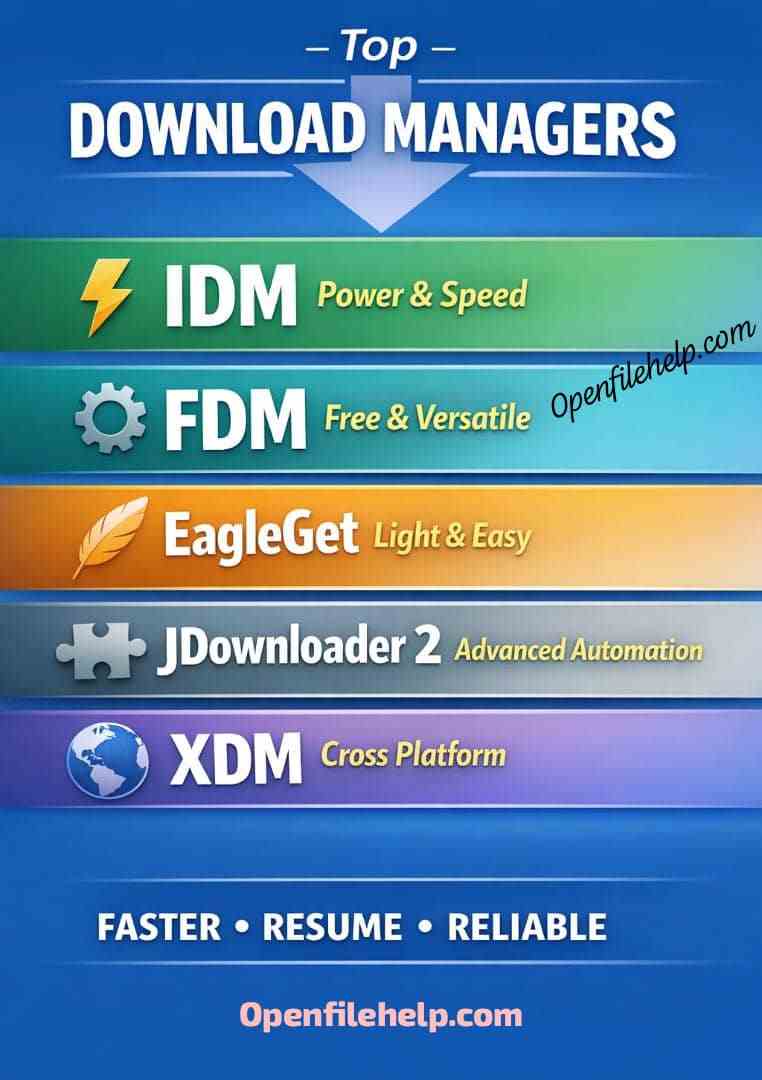
This guide breaks down the five best download managers available today, from powerful free utilities to premium powerhouses, so you can stop watching that progress bar and get back to what matters.
In a Nutshell
Before we dive into the detailed reviews, here’s the core takeaway to guide your choice:
- They actually work: Download managers accelerate files by creating multiple connections to the server at once, dramatically speeding up downloads, especially for large files.
- The Windows gold standard: Internet Download Manager, IDM, is the paid champion for Windows users, prized for its flawless browser integration and reliability.
- Best free all rounder: Free Download Manager, FDM, is a powerful open source alternative that works on Windows, Mac, and Linux, offering most premium features for free.
- The specialist’s tool: JDownloader 2 is the ultimate solution for automating downloads from file hosting sites and grabbing content from platforms like YouTube.
- Resume is key: The ability to pause and resume downloads is just as valuable as the speed boost, saving you from starting over after a connection drop.
How Do Download Accelerators Actually Work?
Before diving in, it helps to understand the acceleration itself.
When you download a file normally, your browser creates a single connection to the server and pulls the data down in one stream. A download accelerator creates multiple connections to the same file at the same time. This is known as segmented downloading or multithreading.
Think of it like having several people carrying boxes from a truck instead of one person making multiple trips. These tools also excel at resuming broken downloads, so a dropped connection does not mean starting from zero again.
Quick Comparison Table
| Software | Price | Best For | Key Strength | Cross Platform |
|---|---|---|---|---|
| Internet Download Manager | Paid | Overall performance | Seamless browser integration | No |
| Free Download Manager | Free | Best free option | Torrent and sync features | Yes |
| EagleGet | Freemium | Lightweight use | Simple design and video detection | No |
| JDownloader 2 | Free | File hosting automation | Advanced customization | Yes |
| Xtreme Download Manager | Free | Flexible setup | Browser app hybrid | Yes |
The Top 5 Download Managers and Accelerators
1. Internet Download Manager (IDM)
Best for
Windows users who want the best possible acceleration, browser integration, and reliability.
If there is one tool that consistently tops every list, it is Internet Download Manager. For over two decades, it has set the benchmark for what a download manager should be. It is a paid tool, but its reputation speaks for itself.
The Analysis
- Seamless browser integration
Automatically captures downloads from Chrome, Firefox, Edge, and others. A small “Download with IDM” button appears over links and videos. - Best in class acceleration
Uses intelligent dynamic file segmentation that adjusts in real time for maximum speed without triggering server blocks. - Scheduling and organization
Schedule downloads for off peak hours and automatically sort files into folders by type.
Pricing and Model
- Model: Paid, one time license with lifetime updates
- Cost: Around 25 to 30 dollars, often discounted
Why It Is a Top Pick
- Unmatched reliability and resume capability
- Excellent embedded video and audio detection
- Lightweight with minimal system impact
The Caveat
Windows only. No macOS or Linux support.
2. Free Download Manager (FDM)
Best for
Users on Windows, macOS, or Linux who want a powerful and completely free alternative.
Free Download Manager delivers most of IDM’s features at no cost. It is open source and actively developed, making it one of the strongest free options available.
The Analysis
- Cross platform support
Works consistently across multiple operating systems. - All in one toolkit
Includes accelerated downloads, a built in torrent client, and file synchronization. - Smart file management
Automatically categorizes downloads and integrates with major browsers.
Pricing and Model
- Model: 100 percent free and open source
Why It Is a Top Pick
- No ads, no upsells, no hidden costs
- Combines downloading, torrents, and syncing in one tool
- Strong community driven development
The Caveat
Browser integration can occasionally feel less polished and may require re authorization after browser updates.
Discover the top 8 causes of interrupted downloads and how to fix them. Learn simple ways to prevent errors, improve stability, and complete files without issues.
3. EagleGet
Best for
Users who want a simple, lightweight download accelerator without unnecessary extras.
EagleGet focuses on speed and simplicity. It is free, ad supported, and designed to stay out of your way.
The Analysis
- Minimalist interface
Clean, simple, and easy to use. - Strong video detection
Can detect downloadable media from over one thousand websites. - Effective acceleration
Uses multithreading similar to IDM and FDM.
Pricing and Model
- Model: Freemium
- Free version with ads, optional paid Pro version
Why It Is a Top Pick
- Extremely low system resource usage
- Straightforward and easy to use
- Free version is very usable
The Caveat
Development has slowed in recent years and the feature set is more basic.
4. JDownloader 2
Best for
Power users who download from file hosting sites or need advanced automation.
JDownloader 2 is a specialist tool. It is not focused on casual browser downloads but on automation and complex download workflows.
The Analysis
- Excellent for file hosting sites
Handles captchas, wait times, and premium accounts automatically. - Deep automation options
Automatically extracts links, decrypts containers, and follows advanced rules. - Massive plugin support
Supports hundreds of content sites including video and audio platforms.
Pricing and Model
- Model: 100 percent free and open source
Why It Is a Top Pick
- Makes one click file hosts manageable
- Extremely powerful once configured
- Automatically handles link containers
The Caveat
Steep learning curve. The interface is cluttered and Java is required.
5. Xtreme Download Manager (XDM)
Best for
Users who want a modern, flexible, and cross platform download manager.
XDM offers several installation options, including portable and browser based setups, making it highly adaptable.
The Analysis
- Flexible installation methods
Can be installed as a desktop app, portable app, or browser integrated tool. - Strong video grabbing
Competes closely with IDM in media detection. - Cross platform compatibility
Works on Windows, macOS, and Linux.
Pricing and Model
- Model: 100 percent free and open source
Why It Is a Top Pick
- Flexible deployment options
- Active development and updates
- No cost barrier
The Caveat
Initial setup can be slightly more complex and the interface is less polished than paid tools.
Professional Recommendation: Internet Download Manager
Why it stands out
After managing downloads for many years, IDM consistently proves itself as the most reliable option. It is dependable, efficient, and requires almost no user intervention once installed.
The confidence that a download will complete, resume after interruptions, and stay organized automatically saves significant time and frustration. Its video detection capabilities are an added bonus for tutorials, presentations, and reference material.
Key advantages
- Flawless browser integration
- Intelligent real time segmentation
- Industry leading resume support
- Very small system footprint
Bottom line
If you download frequently and value reliability, Internet Download Manager is worth the one time license fee.
Stay safe! Discover the top 7 trusted APK sources to download Android apps securely. Verified, reliable, and malware-free options for your device.
Final Verdict: How to Choose
- Windows power users:
Internet Download Manager delivers unmatched reliability and speed. - Cross platform users on a budget:
Free Download Manager offers excellent value at zero cost. - Heavy file hosting users:
JDownloader 2 automates the most tedious download tasks. - Users who want simplicity:
EagleGet provides fast downloads without clutter. - Tech savvy users:
Xtreme Download Manager offers flexibility and modern features for free.
Installing a dedicated download manager is one of the simplest upgrades you can make to your digital workflow. Stop waiting and start downloading.
Frequently Asked Questions
Are download managers safe, or could they contain malware?
Stick to the well known, reputable managers listed in this article. Tools like Free Download Manager and JDownloader are open source, which means their code can be publicly reviewed for security issues.
Paid tools like IDM have a long, trusted track record. Always download directly from the official developer websites to avoid malicious imitations or bundled adware from third party download portals.
Will a download manager speed up all my downloads?
Not always. The acceleration works best when the download server does not limit connection speed per user and your own internet connection is not the bottleneck.
If you are already maxing out your bandwidth or the server is inherently slow, the speed increase may be minimal. However, the benefits of download resuming, organization, and scheduling are universal.
Can I get banned for using a download accelerator?
It is highly unlikely for general downloads. However, some private file hosting services explicitly prohibit the use of multi threaded downloaders in their terms of service unless you pay for a premium account.
For standard downloads from software websites, CDNs, and most video platforms, their use is perfectly acceptable and widespread.
I use a Mac or Linux. What are my best options?
Your best all in one choice is Free Download Manager, FDM, which offers a native and full featured experience on both macOS and Linux. JDownloader 2, which runs on Java, and Xtreme Download Manager, XDM, are also excellent, powerful cross platform alternatives.
Is a free download manager good enough, or should I pay for IDM?
For most users, a free manager like FDM or EagleGet is more than sufficient.
However, if you are a Windows power user who downloads frequently, the flawless browser integration, slightly better acceleration algorithms, and unparalleled reliability of Internet Download Manager, IDM, justify its modest one time fee. It is an investment in a frictionless workflow.