How to Open DLL Files Safely: 4 Practical Ways to View, Inspect, and Troubleshoot Them
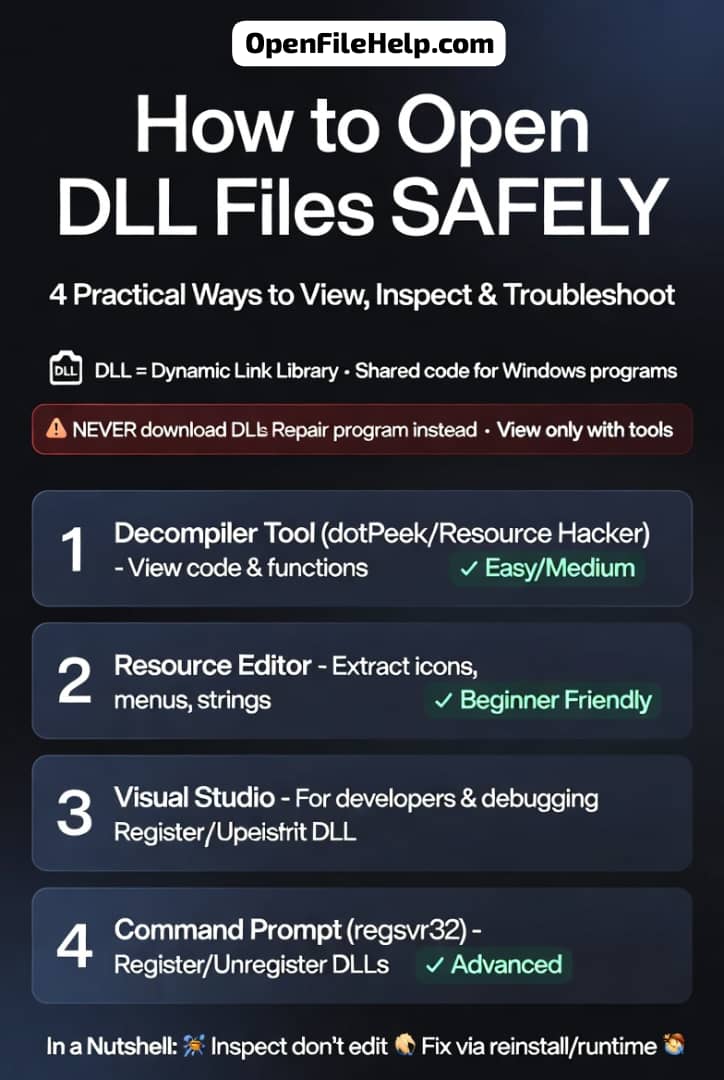
Learn how to open DLL files safely in Windows using practical methods, tools, and examples for viewing, inspecting, and troubleshooting.

Open any File, Easily and Fast.
Ever opened a file and felt like it was speaking a different language? You’re not alone. The Common Files & Media section is the friendly starting point on OpenFileHelp where everyday file problems turn into simple, solvable tasks.
Whether it’s a PDF that won’t open, a photo that refuses to display, or an Excel file throwing strange errors, this section helps you understand what went wrong and how to fix it quickly.
Think of this section as a practical, toolbox-style library for common file types. You’ll find clear explanations of popular extensions and why they behave differently.
We break down questions like what separates JPG from PNG, why images sometimes look distorted, or why a document that worked yesterday suddenly fails today.
Each guide begins with fast checks you can try in under a minute, then moves into deeper recovery steps only if needed. The goal is always to reduce panic and get you moving again.
Our tone stays casual and direct. Every post starts with easy fixes such as opening the file in another viewer, confirming the correct extension, or testing it on a different device.
When quick fixes are not enough, we guide you through longer solutions with screenshots and clear options, from free tools to trusted paid services. You’ll also find prevention tips so the same problem doesn’t repeat.
Beyond fixes, this section teaches basic file health. Learn how to check file size and metadata, spot truncated files, preview content safely, and understand common error messages.
With real examples like repairing a corrupted JPG or opening an XLSX without Excel, this section gives you practical confidence.
Start by browsing the guides, download the Ultimate File Opener Cheat Sheet, or submit a file issue for help choosing the next step.
Learn how to open DLL files safely in Windows using practical methods, tools, and examples for viewing, inspecting, and troubleshooting.

Open ZIP files without installing software. Learn simple built-in methods for Windows, Mac, Android, iPhone, plus quick browser options.
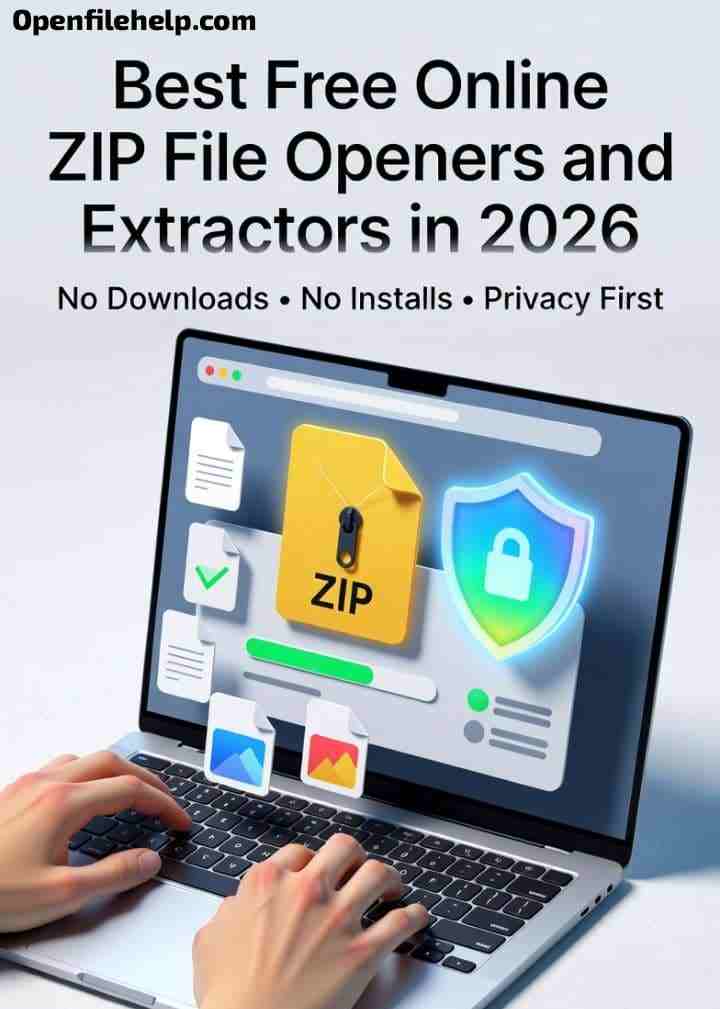
Discover the best free online ZIP openers in 2026. Compare safe browser based extractors, privacy tips, and file handling options that actually work.

Struggling to open a ZIP file? Learn proven 2026 methods to fix corrupted or “Cannot Open ZIP File” errors on Windows and Mac quickly and safely.
Open ZIP files online in 2026 with free browser tools that need no software, no install, and no hassle.
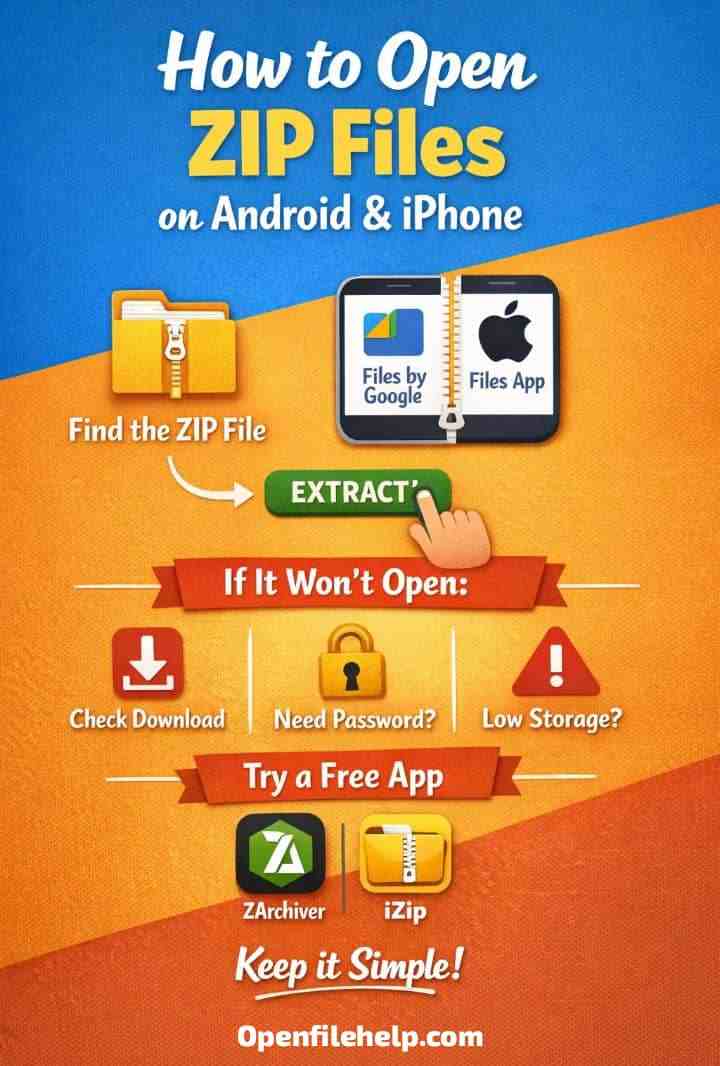
Learn how to open ZIP files on Android and iPhone easily. Step by step tips, fixes for errors, and the best apps for password protected files.
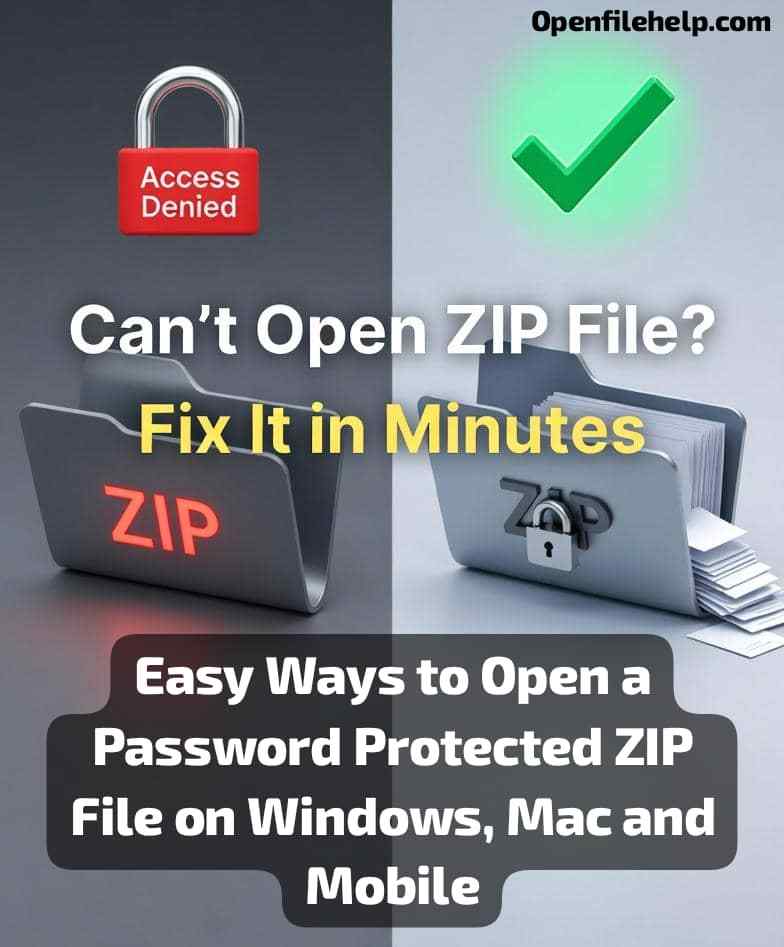
Learn how to open password protected ZIP files on Windows, Mac, Android, and iPhone. Simple steps, tools, and fixes for locked ZIP files.
Learn how to open ZIP files on Windows 11 or 10 without extra software! Follow this step-by-step 2026 guide for easy file extraction 📁

Learn how to open APK files easily using simple tools. Extract images, sounds, and app data without coding using this step by step beginner friendly guide.

Fix JPG files that appear blank or gray with this simple step by step guide. Learn quick fixes, common causes, and advanced solutions to restore your images.

Can’t open a JPG file? Don’t worry! Learn 6 simple fixes to resolve JPG file issues on Windows, Mac, or phone and access your image files again.

Play partially downloaded .csdownload videos using VLC. Learn safe ways to preview incomplete files, enable partial playback, and avoid playback errors.