Use a Download Manager to Avoid .csdownload Problems (3 Best Free + 1 Best Paid)
Avoid .csdownload issues with a download manager. Discover 3 best free and 1 top paid tools to boost speed, resume downloads, and prevent file errors easily.

Open any File, Easily and Fast.
Ever refreshed your downloads folder and spotted a strange file ending in something like .crdownload or .csdownload? That small, unfinished file can quickly break your workflow.
Partial and stuck downloads are far more common than most people realize, and the good news is that many of them are fixable.
This section focuses on those in-between files that never finished downloading and the practical ways to recover what was already saved.
When a download starts but does not complete, browsers and apps create a placeholder file that stores partial data. While this helps tools resume later, it confuses users because the file lacks a proper extension and often won’t open.
Our guides explain how partial downloads work, how to tell if a file is still salvageable, and when it is safe to resume, rename, or rebuild it into a usable format.
We provide step-by-step instructions for major browsers and apps. Chrome, Edge, Firefox, Safari, and mobile apps like WhatsApp all handle partial downloads differently.
Each guide includes clear, device-specific steps and screenshots so you can follow along without guesswork. Sometimes a simple resume action or switching to a download manager is enough.
Other times, we show extraction techniques to recover usable parts from archives, videos, or documents.
Prevention is just as important. You’ll learn how to reduce future partials by using download managers, adjusting browser settings, and troubleshooting unstable connections.
If you’re stuck, start with a master guide or try our recommended tools or FileFixer widget for a quick first check.
Avoid .csdownload issues with a download manager. Discover 3 best free and 1 top paid tools to boost speed, resume downloads, and prevent file errors easily.
Discover the top 8 causes of interrupted downloads and how to fix them. Learn simple ways to prevent errors, improve stability, and complete files without issues.
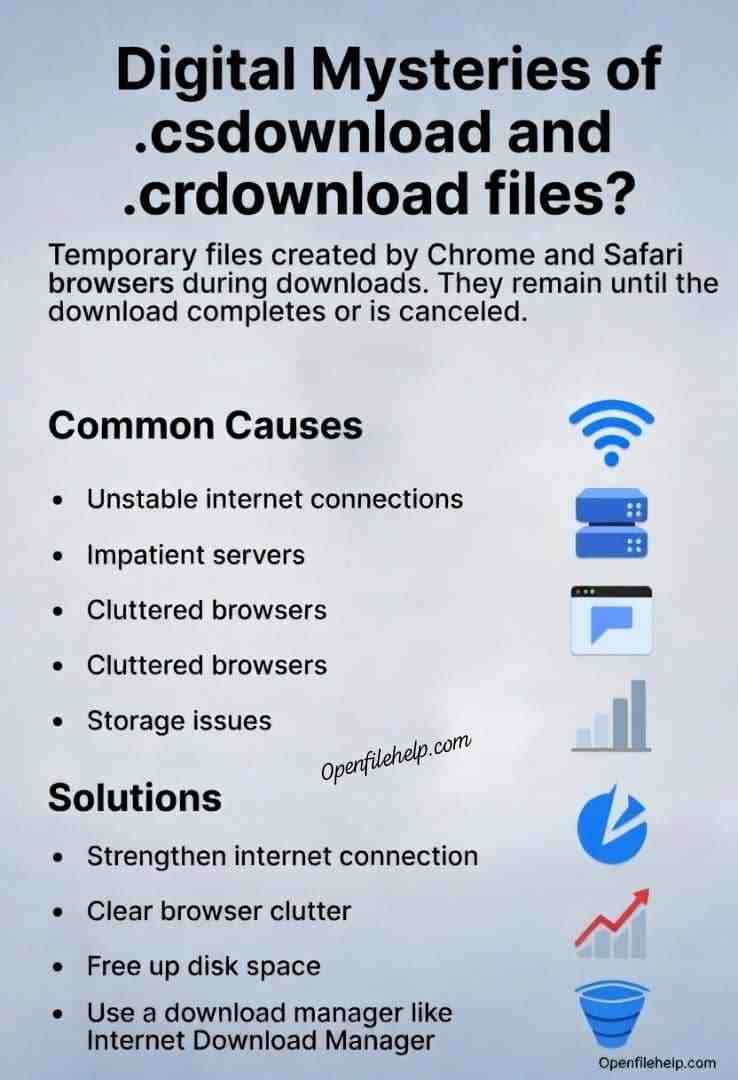
Why Chrome keeps leaving .csdownload files and how to fix it fast. Learn causes, browser settings, and simple steps to complete or repair downloads.
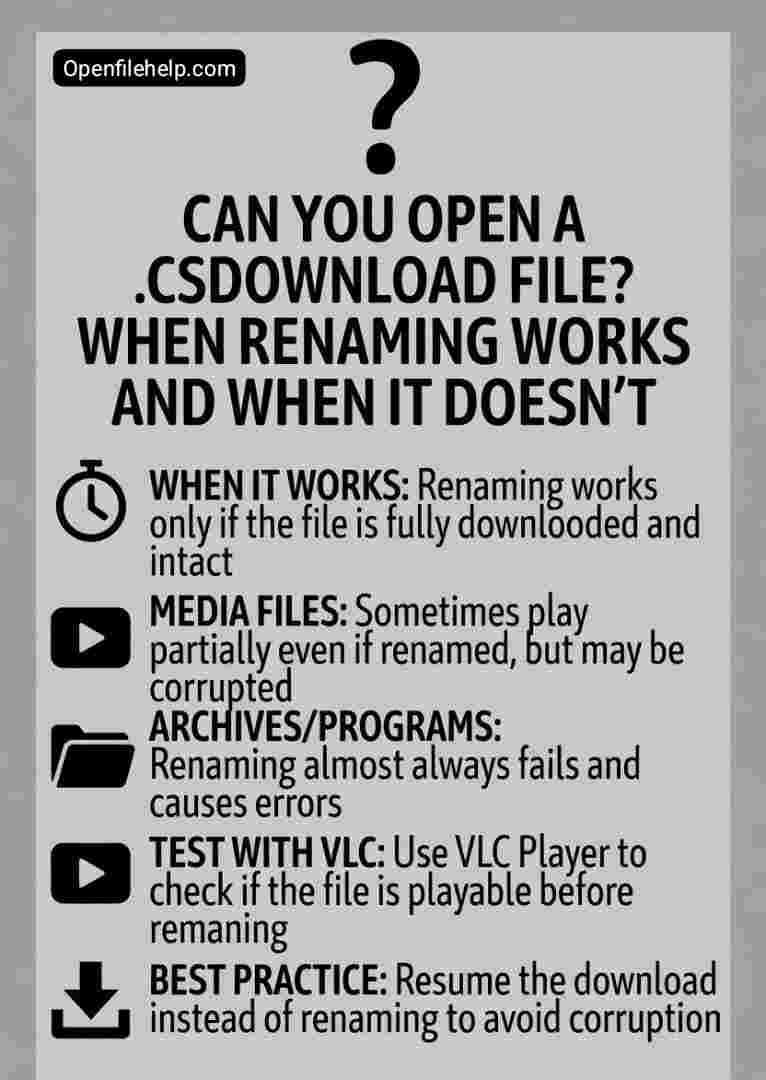
Learn if you can open a .csdownload file, when renaming works, when it fails, and how to safely recover incomplete downloads without errors or data loss.

Recover files from stuck .csdownload or .crdownload downloads. Learn step by step methods to fix incomplete Chrome downloads and restore your data safely.

Learn how to resume or repair interrupted Chrome downloads using .crdownload files with 5 practical methods that help recover files safely.

Learn what a .csdownload file is, why it appears, and clear steps to fix or safely open these incomplete downloads.