Use a Download Manager to Avoid .csdownload Problems (3 Best Free + 1 Best Paid)
Avoid .csdownload issues with a download manager. Discover 3 best free and 1 top paid tools to boost speed, resume downloads, and prevent file errors easily.

Open any File, Easily and Fast.
CSDownload files appear when Chrome downloads are incomplete or interrupted, and they confuse a lot of people. This tag is dedicated to understanding and fixing those partial downloads.
If you see a file stuck with a .csdownload extension, you will find step by step help here.
Articles tagged with csdownload explain why Chrome creates these files, how to resume downloads properly, and when a partial file can be recovered or safely deleted.
We also show how to convert partial downloads into usable files when possible, especially for videos, archives, and documents.
You will also find prevention tips, including browser settings, network fixes, and download managers that reduce the chances of stuck downloads happening again.
Avoid .csdownload issues with a download manager. Discover 3 best free and 1 top paid tools to boost speed, resume downloads, and prevent file errors easily.
Discover the top 8 causes of interrupted downloads and how to fix them. Learn simple ways to prevent errors, improve stability, and complete files without issues.
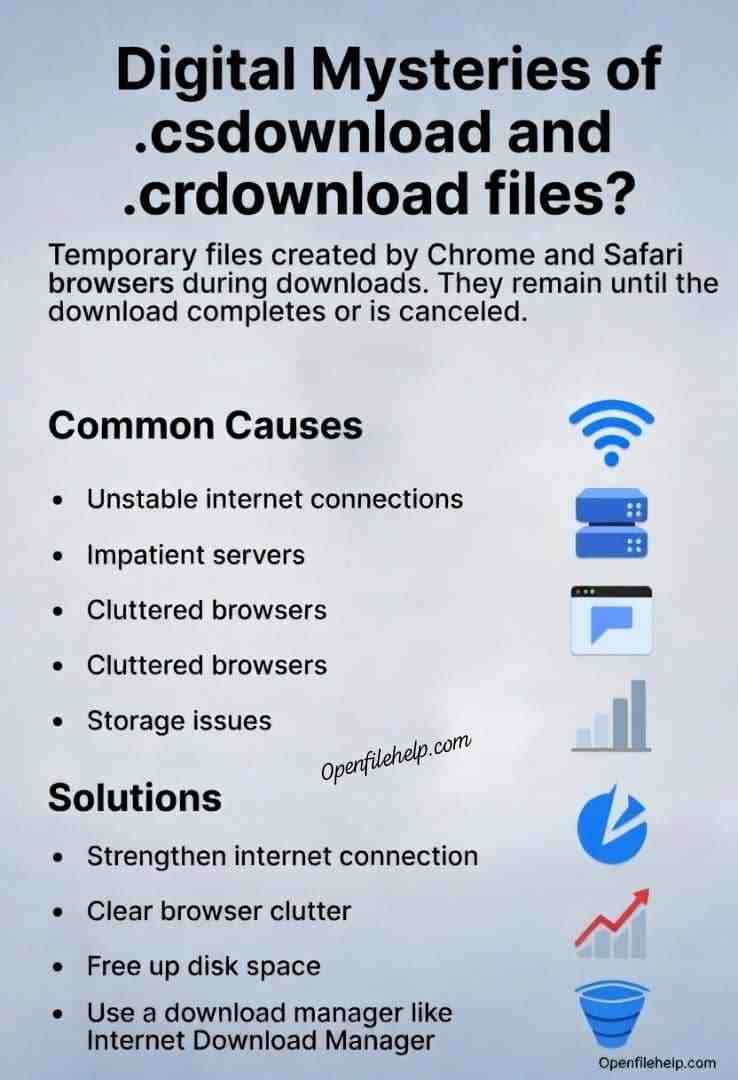
Why Chrome keeps leaving .csdownload files and how to fix it fast. Learn causes, browser settings, and simple steps to complete or repair downloads.
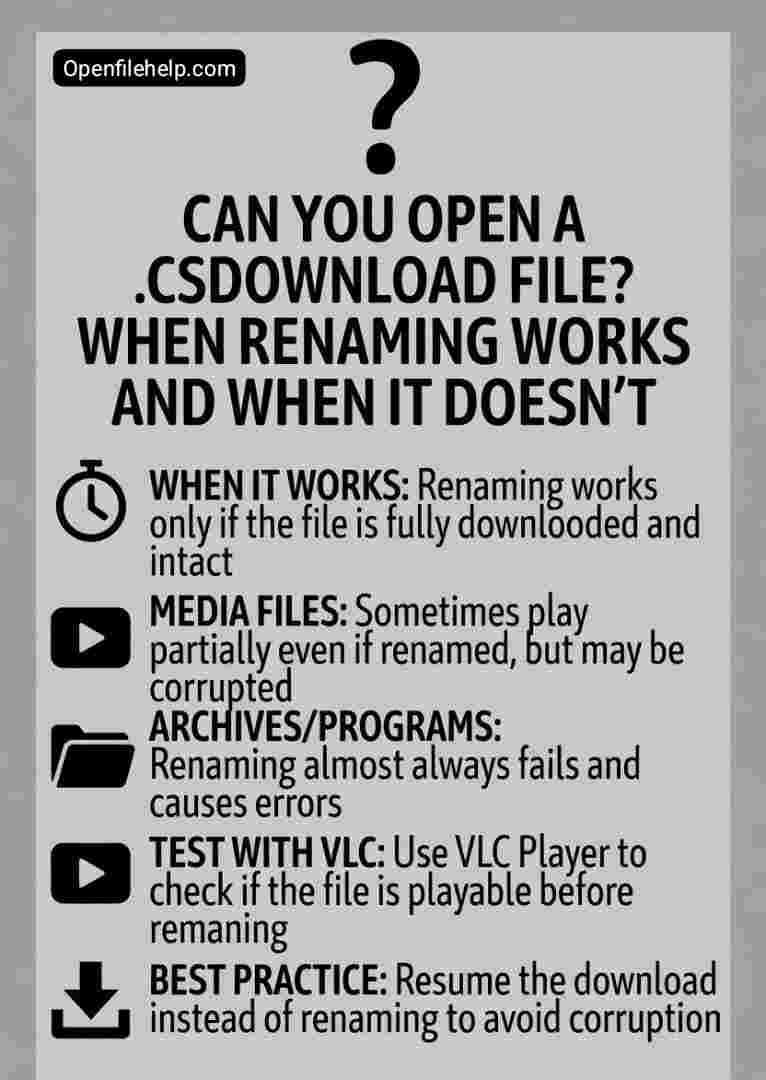
Learn if you can open a .csdownload file, when renaming works, when it fails, and how to safely recover incomplete downloads without errors or data loss.

Recover files from stuck .csdownload or .crdownload downloads. Learn step by step methods to fix incomplete Chrome downloads and restore your data safely.

Learn how to resume or repair interrupted Chrome downloads using .crdownload files with 5 practical methods that help recover files safely.

Learn what a .csdownload file is, why it appears, and clear steps to fix or safely open these incomplete downloads.