
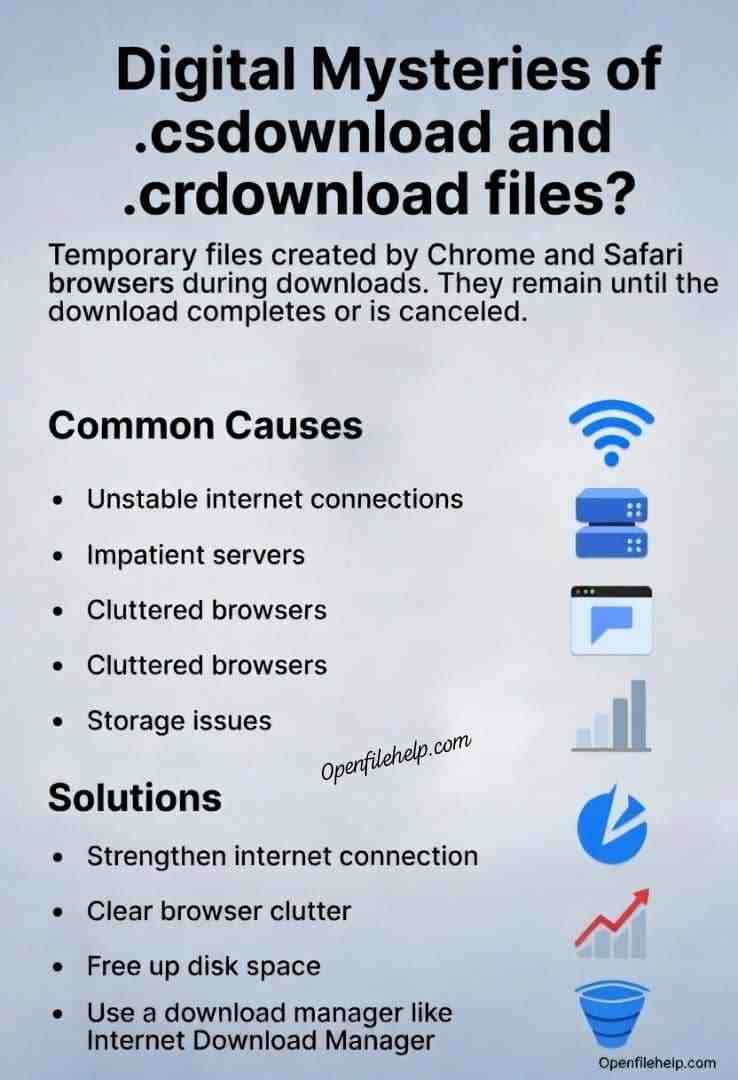
It’s a digital mystery. You clear your Downloads folder, and a few days later, it’s littered with abandoned .csdownload files. You did not cancel any downloads, so why are these digital ghosts haunting your hard drive?
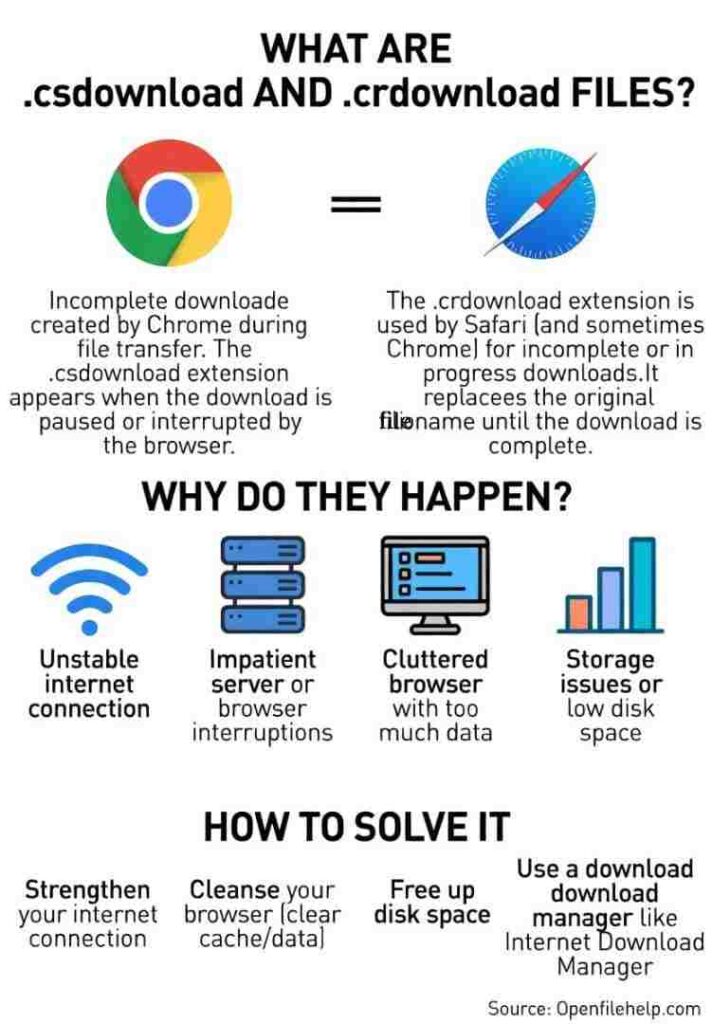
Here’s a little insider truth that causes a lot of confusion. Chrome does not actually create .csdownload files.
If you are seeing .csdownload, it is almost certainly from Safari on a Mac. Chrome creates .crdownload files.
That said, users often search for “.csdownload” regardless of the browser. The frustration is the same: incomplete downloads piling up.
Let’s uncover the real reasons your browser keeps leaving these unfinished files behind, and how to stop it for good.
The Real Culprits: Why Downloads Get Abandoned
Temporary download files remain when the download process is interrupted before it can finish and rename itself. The most common causes are below.
1. The Unstable Connection (Most Common)
A brief Wi Fi drop, router hiccup, or weak cellular signal can break the download thread. When the browser loses contact with the server, the download fails and the temporary file is left behind.
2. The Impatient Server
Some servers have short timeout limits. If a download pauses or slows for too long, the server closes the connection. When your browser tries to resume, it is denied, and the partial file is abandoned.
3. The Cluttered Browser
Corrupted cache or cookie data can interfere with basic browser operations. In some cases, the browser downloads the data but fails during the final save process.
4. The Silent Storage Crisis
If your hard drive is nearly full, the browser has nowhere to write the completed file. The download starts, but cannot finalize, leaving a .crdownload or .csdownload file behind.
Tired of Managing Broken Downloads?
Renaming files or restarting downloads over and over is not a real solution. If unstable connections or server timeouts are common for you, a dedicated download manager can prevent the problem entirely.
Internet Download Manager (IDM) uses advanced file segmentation and true resume support. If a download is interrupted, it can resume from the exact byte where it stopped, even after a reboot. This dramatically reduces failed downloads and leftover temporary files.
👉 Get Internet Download Manager
https://www.internetdownloadmanager.com/
The Fix It Plan: Stop the Clutter for Good
1. Strengthen Your Connection
- For desktop users, use an Ethernet cable instead of Wi Fi for large downloads
- Restart your router and modem regularly to clear internal errors
2. Perform a Browser Cleanse
Clearing cached data often resolves stalled downloads.
Chrome
- Go to Settings
- Privacy and security
- Clear browsing data
- Select “Cached images and files”
Safari
- Go to Safari
- Settings
- Privacy
- Manage Website Data
- Click Remove All
3. Free Up Disk Space
Keep at least 10 to 15 percent of your storage free.
Delete unused files, empty the trash, and uninstall applications you no longer need.
4. Use a Download Manager (Best Long Term Fix)
Download managers are built specifically for unstable networks and resumable downloads. Tools like Internet Download Manager or Free Download Manager handle interruptions far better than browsers and prevent unfinished files from accumulating.
Final Thought
.crdownload and .csdownload files are symptoms, not the problem itself.
The real issue is an interrupted download process.
Once you fix the root cause, whether it is your connection, browser health, or storage space, your Downloads folder will stay clean and frustration free.
FAQs
Mostly yes. Download managers work with the vast majority of direct download links. They may not support protected streaming platforms, but for standard file downloads, they are extremely reliable.
This usually means the browser froze during the final rename step. Restarting the browser may fix it. If not, the file is likely corrupted and should be re downloaded
Yes. These are incomplete temporary files and serve no purpose. Deleting them will not harm your system.